
How to Plan Enough Power Points - And Where People Always Regret Not Adding

Updated: Feb 9
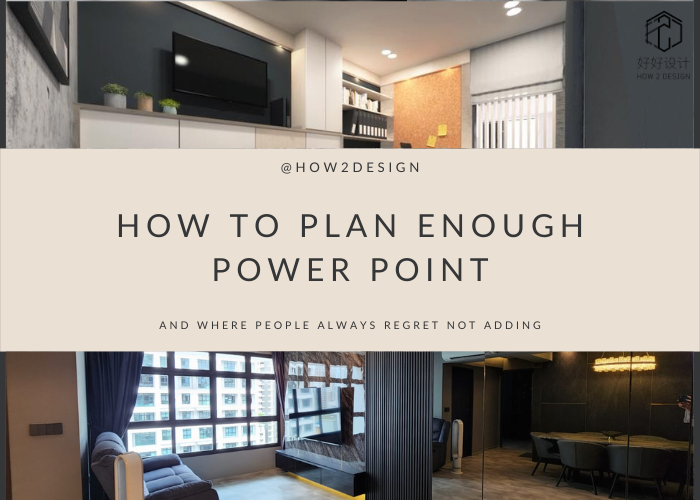
One of the most common regrets homeowners have after renovation is not adding enough power points. Once carpentry and finishes are done, adding sockets later usually means hacking — extra cost, dust, and inconvenience.
Planning power points properly during renovation makes daily living more comfortable and future-proofs your home.
Here’s how to plan it right — and the spots people always wish they added more.
Why Power Point Planning Matters
Modern homes use more electrical devices than ever:
Work-from-home setups
Kitchen appliances
Smart home devices
Entertainment systems
Charging stations
Old layouts or standard packages often don’t match modern lifestyles.
General Power Point Planning Tips
Before deciding locations, ask yourself:
Where do you spend the most time?
What devices do you use daily?
Will your lifestyle change in the next 5–10 years?
Will furniture or carpentry block sockets?
Rule of thumb: It’s cheaper to add more points during renovation than later.
Where Homeowners Always Regret Not Adding Power Points
1. Sofa Area (Living Room)
Common misses:
Phone charging
Laptop use
Floor lamps
Robot vacuum docking
Recommendation: At least 2–3 sockets near the sofa area, not hidden behind fixed carpentry.
2. TV & Entertainment Area
Common misses:
Wi-Fi router
Soundbar
Gaming console
Streaming devices
Recommendation: Add extra sockets behind the TV wall and in nearby cabinets.
3. Study Desk / Home Office
With WFH becoming common, power needs increase.
Devices include:
Laptop
Monitor
Printer
Desk lamp
Chargers
Recommendation: Minimum 4–6 power points near study areas.

Looking for other interesting deals? Click this >>https://wa.link/5w4lre
4. Kitchen Countertops
Common regret spots:
Air fryer
Coffee machine
Blender
Rice cooker
Recommendation: Multiple sockets along the backsplash or concealed under cabinets.
5. Bedrooms (Both Sides of the Bed)
Common mistakes:
Only one side has sockets
No USB charging
Recommendation: At least 2 power points per bedside, plus optional USB ports.
6. Wardrobe Interior
Often forgotten but very useful.
Used for:
Charging cordless vacuum
Steam iron
Hair tools
Recommendation: Add hidden sockets inside wardrobes where practical.
7. Bathroom Vanity Area
For:
Hair dryer
Shaver
Electric toothbrush
Recommendation: Water-safe socket near vanity (where regulations allow).
8. Balcony / Service Yard
Used for:
Washing machine
Dryer
Ironing
Cleaning equipment
Recommendation: Don’t rely on extension cords — add proper points.
9. Entryway / Shoe Cabinet Area
Useful for:
Charging handheld vacuum
Smart doorbell hub
Decorative lighting
Recommendation: Add at least one hidden socket.
Power Points + Carpentry Planning Must Go Together
Poor coordination causes:
Blocked sockets
Inaccessible points
Awkward cable routing
Always plan power points after confirming furniture layout and carpentry design.
Future-Proofing Tips
Consider:
USB-C charging ports
Smart home hubs
Additional circuits for heavy appliances
Spare points for unknown future devices
Common Planning Mistakes to Avoid
Following standard package numbers blindly
Ignoring furniture placement
Forgetting charging needs
Underestimating WFH requirements
Not planning for future upgrades
Power points may seem like a small detail, but they affect daily convenience more than many design features.
Planning them well during renovation saves money, prevents frustration, and improves long-term comfort.
Planning a Renovation?
At How 2 Design 4U, we plan electrical layouts together with design and carpentry — so nothing gets blocked or forgotten. Contact How 2 Design for a consultation today!


Comments